For technical writers
You know how to write it.
You shouldn’t have to screenshot it.
A short call with the engineer, the feature goes out Thursday, and you have notes but no screenshots.
They explained it once. They won’t explain it again.
Join the waitlist See a sample guide
Asterly is early. Public access is a waitlist.
The engineer, before the call
“I’ll walk you through it on a call. It’s quicker.”
Where the day goes
- Writing the steps is the job, but capturing, cropping and marking every screen takes the day.
- The expert explains it on a call, and you rebuild the whole procedure from notes.
- The honest cost: When a screen changes, the screenshots need redoing, so docs fall behind.
What Asterly does about it
Start from a draft. Then do the writing.
Record the procedure in Chrome, or ask the expert to, then edit the AI draft like any other draft and export Markdown to wherever your docs live. It’s a starting point, not a replacement for your docs tool or your judgment.
When a screen changes, record that flow again or edit the step that changed.
From call notes to docs
- Record the procedure in Chrome, or ask the expert to
- Rewrite the draft and adjust each highlight
- Export Markdown or PDF into your docs
- Or publish a hosted guide with a link
The draft, on real screens
Where the writing happens.
The editor leads here, because that’s where you’d spend your time. Real Asterly screens; Fernwood Invoicing is made up for the demo.
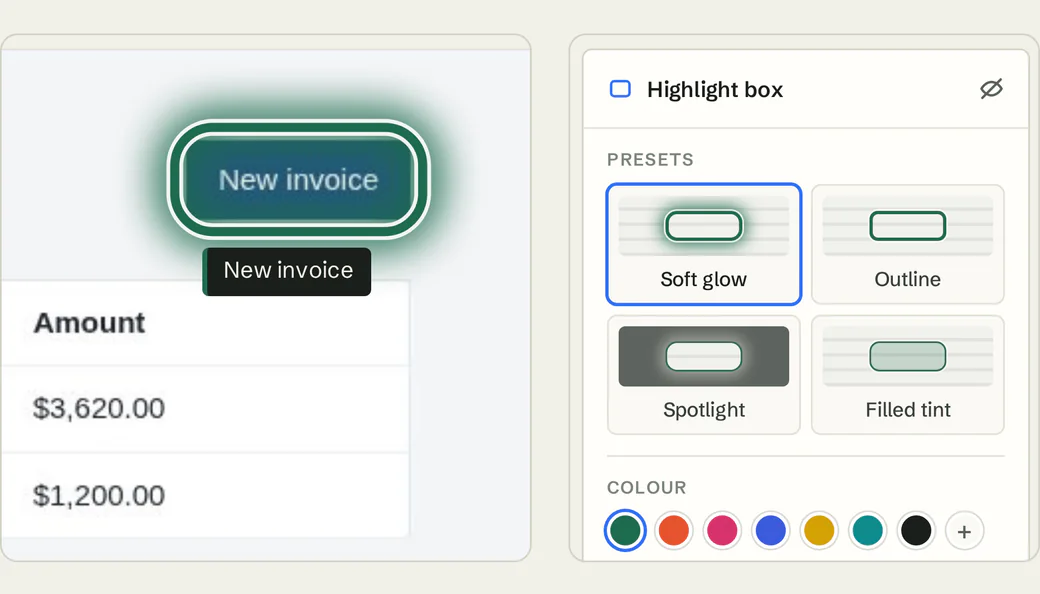
Demo data Editor
Edit each step like any draft, reorder them, and restyle highlights: Soft glow, Outline, Spotlight or Filled tint.
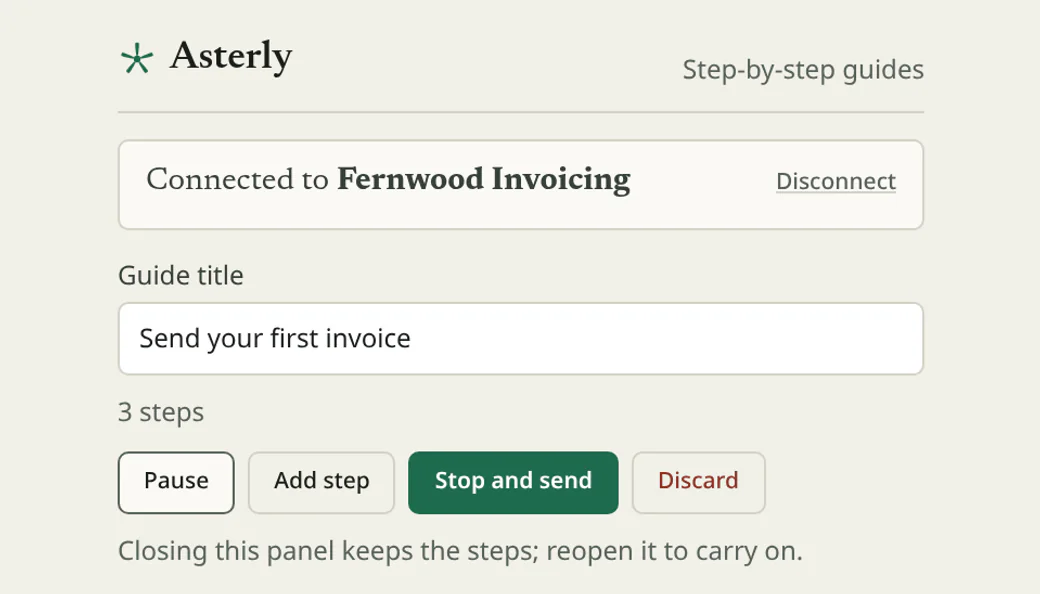
Demo data Recorder
You or the expert record from the Chrome side panel. AI drafts numbered steps, each with its screenshot.
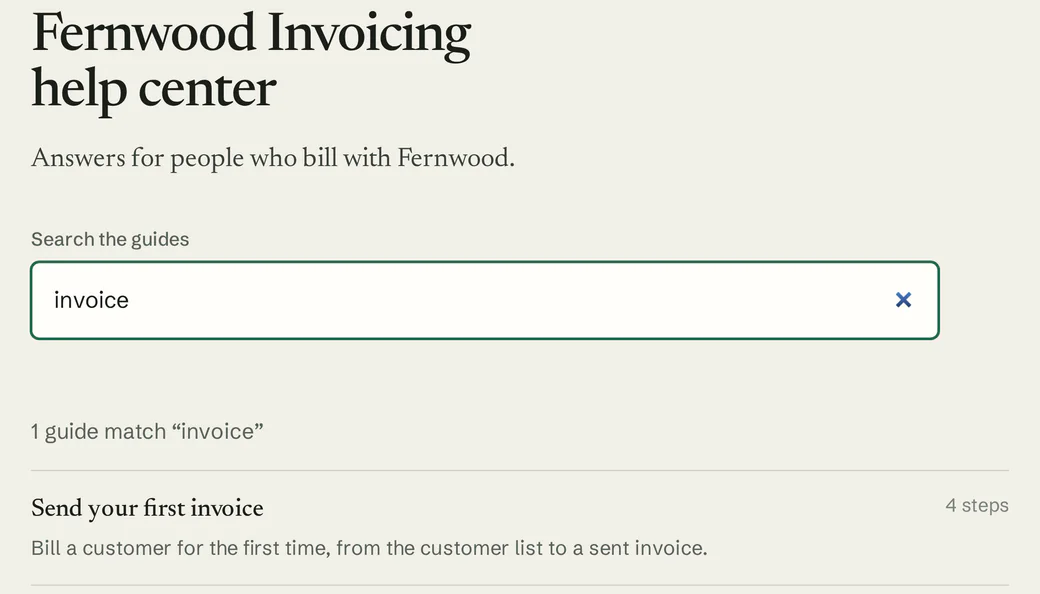
Demo data Help center
Publish to a hosted help center with search when a guide doesn’t belong in your docs site.
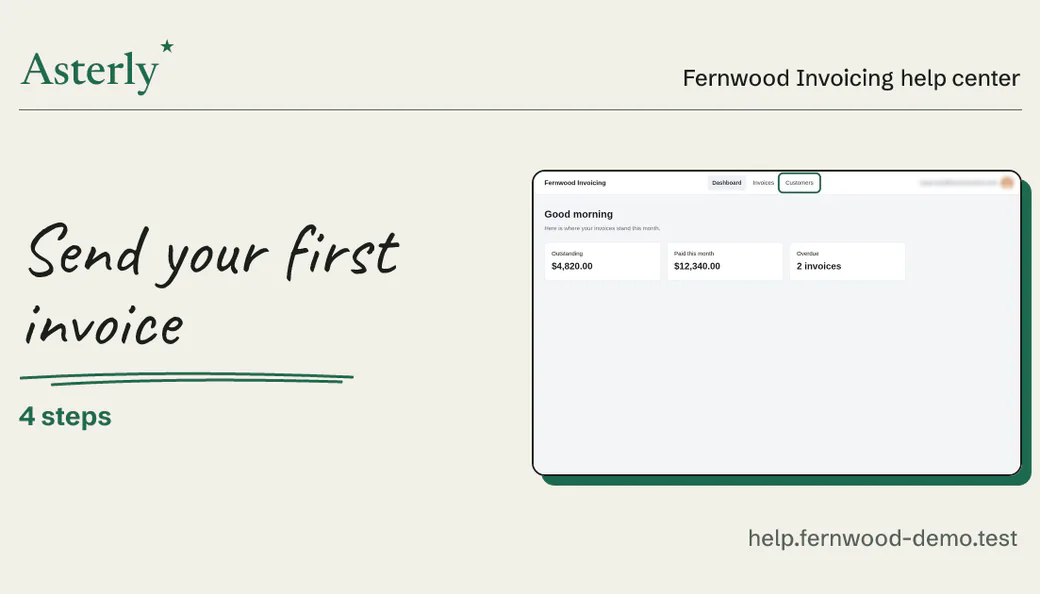
Demo data Link previews
Shared guide links show a card with the title and a screenshot wherever previews appear.
What you’d record
A draft for the procedure.
For your docs, you or the engineer would record something like this, then you’d rewrite it:
An example, written out. Not recorded, so no screenshots
“Configure a webhook”
- Open Developer settings
- Add an endpoint URL
- Choose events
- Send a test
We haven’t recorded that one. Here’s a guide we did make with Asterly, for a pretend invoicing app: four steps, each with its screenshot and the click marked.
Fernwood Invoicing Help center
Send your first invoice
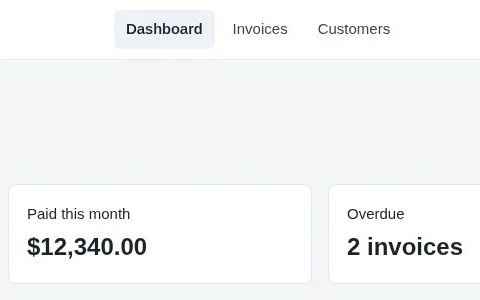
Check who you are billing
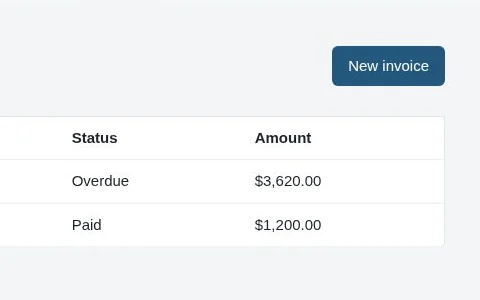
Start a new invoice
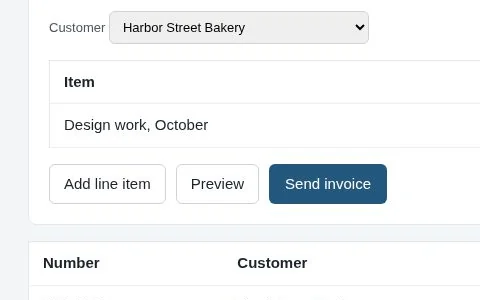
Add what you are billing for
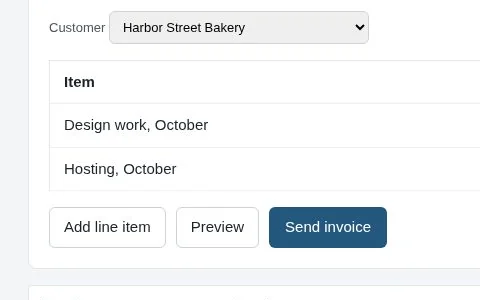
Send it
Demo data Fernwood Invoicing is made up.
Which procedure would you record?
Asterly is early. Public access is a waitlist and pricing isn’t set. Leave your email, and tell me the procedure you’d record.