For launches, release how-tos and enablement
Every release needs a walkthrough.
Click through it once.
The release is this week, and sales and CS both want “a walkthrough I can send.”
Customers will want one too. They should all match.
Join the waitlist See a sample guide
Asterly is early. Public access is a waitlist.
From sales, launch week
“Can you send me a walkthrough of the new feature? I’ve got a demo Thursday.”
Same feature, different walkthroughs
- Sales, support and customers each need the same feature explained, and each gets a different version.
- The walkthrough is a slide deck nobody can find, with screenshots of last month’s UI.
- The honest cost: You redo screenshots the night before launch, and then redo them for the next release.
What Asterly does about it
One walkthrough for everyone who asks.
Click through the new feature once in Chrome. AI drafts the guide with screenshots. Polish it and send one link to sales, CS and customers, then export Markdown or PDF for the enablement doc.
UI moved the night before? Edit the step that changed, or record the flow again.
From release to enablement
- Click through the new feature once in Chrome
- Polish the wording and highlight what’s new
- Send one link to sales, CS and customers
- Export Markdown or PDF for your enablement doc
The real app, with demo data
What goes out on release day.
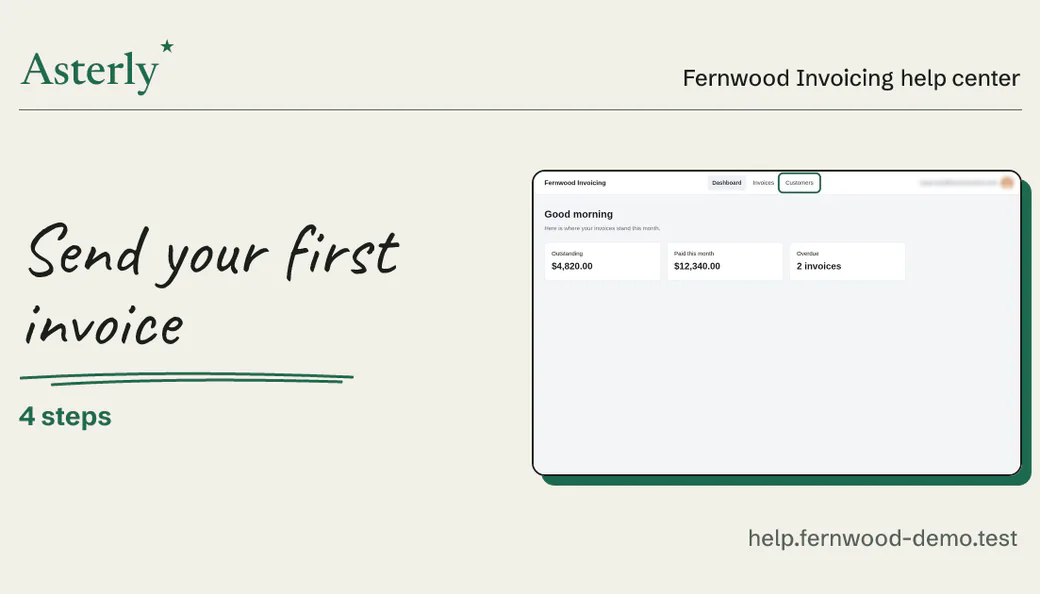
Led by the card people see when you paste the link. Real Asterly screens; Fernwood Invoicing is made up for the demo.
Demo data Link previews
Paste the link in a launch post or a sales channel. Where previews show up, it unfurls as a card with the title and a screenshot.
Demo data Editor
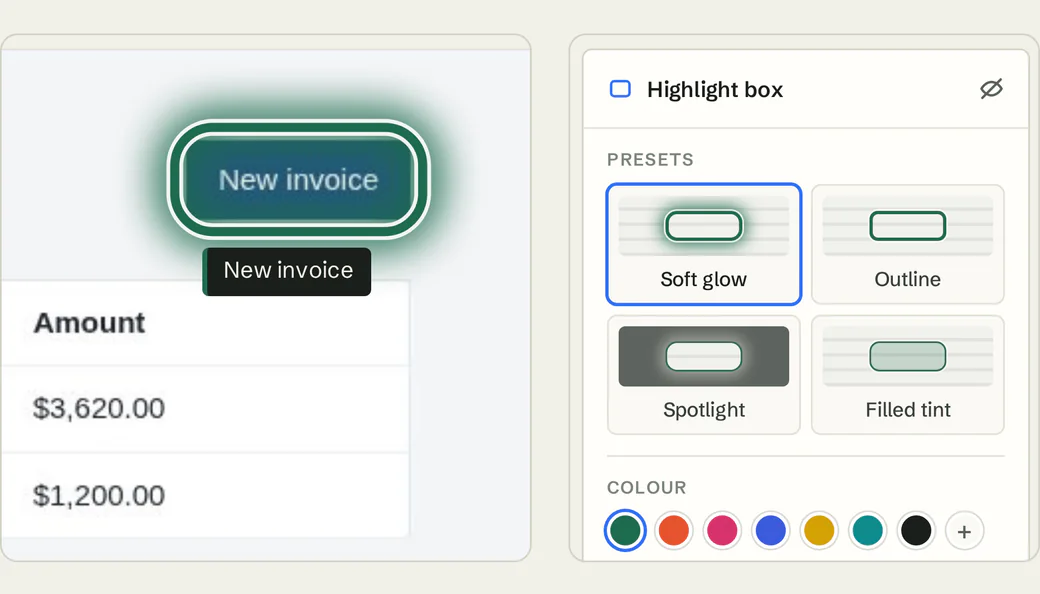
Tighten the copy and point at what’s new with Soft glow, Outline, Spotlight or Filled tint.
Demo data Recorder
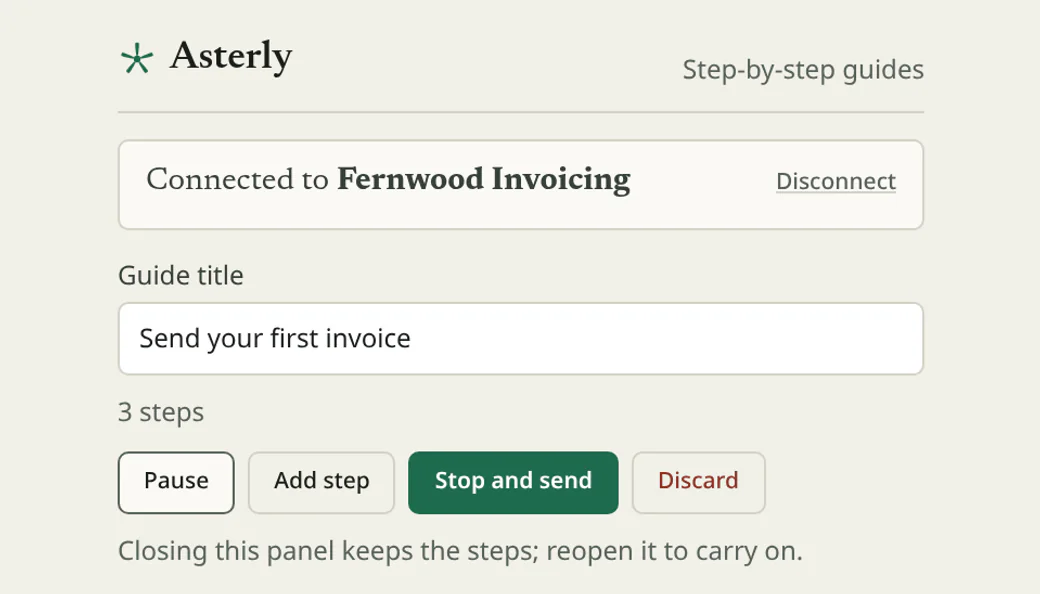
Click through the new feature from the Chrome side panel. Stop and send when you reach the end.
Demo data Help center
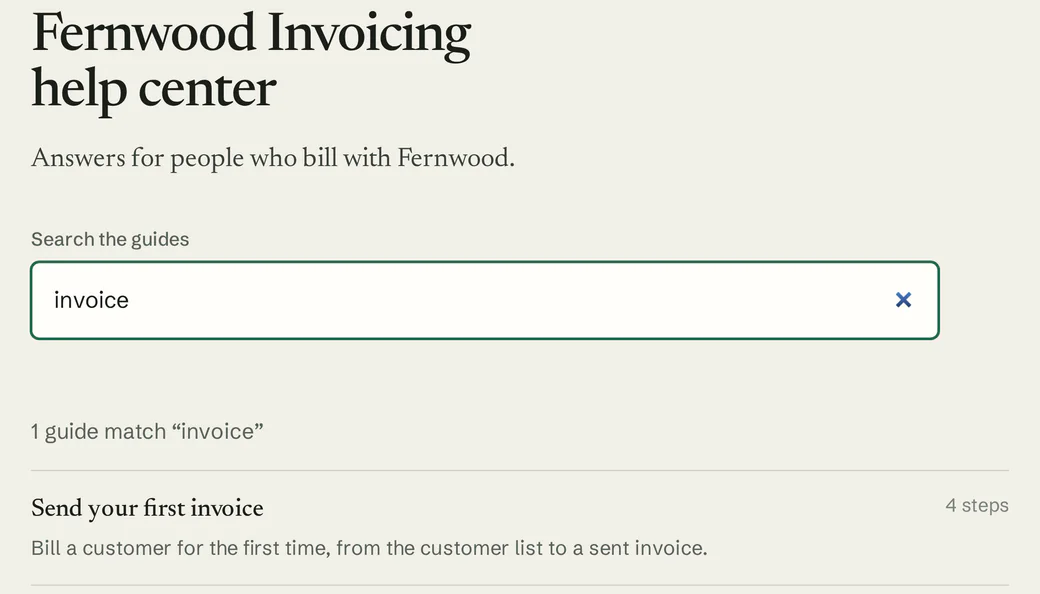
Publish release how-tos in a hosted help center with search, alongside your other guides.
What you’d record
A walkthrough for release day.
For a release, you’d click through something like this once and send the link around:
An example, written out. Not recorded, so no screenshots
“Try the new Reports page”
- Open Reports
- Choose a date range
- Add a filter
- Save the view
We haven’t recorded that one. Here’s a guide we did make with Asterly, for a pretend invoicing app: four steps, each with its screenshot and the click marked.
Fernwood Invoicing Help center
Send your first invoice
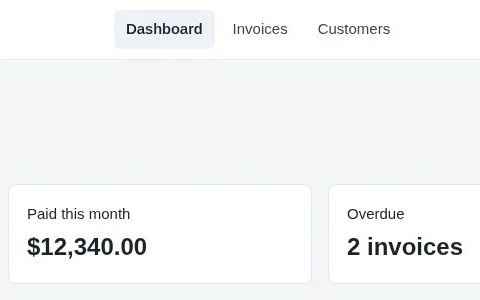
Check who you are billing
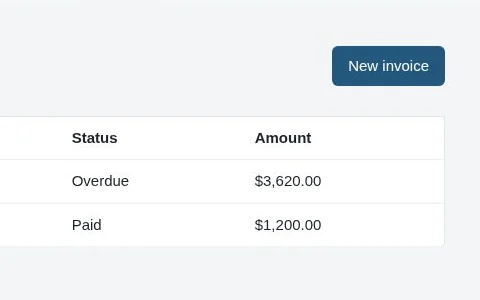
Start a new invoice
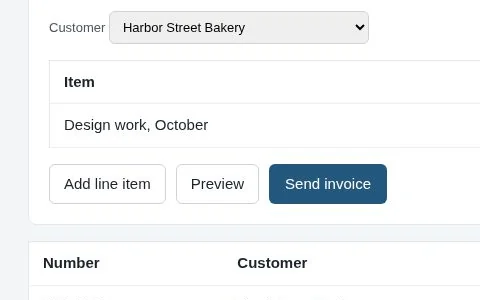
Add what you are billing for
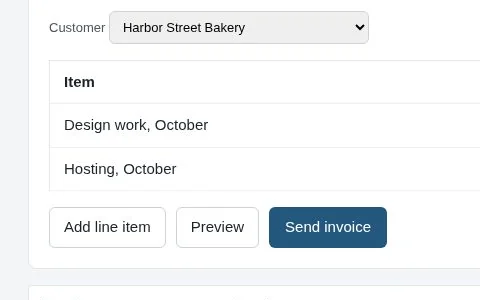
Send it
Demo data Fernwood Invoicing is made up.
What are you launching next?
Asterly is early. Public access is a waitlist and pricing isn’t set. Leave your email, and tell me what you’re launching next.