For SaaS onboarding
Your product works.
Setup is where people stall.
A new trial signs up, reaches the “connect your data” step, and stops.
Then someone books a call just to click through that screen together.
Join the waitlist See a sample guide
Asterly is early. Public access is a waitlist.
Message from a trial user
“I’m stuck on connecting my data. Is there a guide somewhere?”
Where trials go quiet
- New users stop at the same step, and you find out from an account that went quiet.
- The setup doc was written a few releases ago, so the screens no longer match.
- The honest cost: Your team spends onboarding calls clicking through screens a guide could show.
What Asterly does about it
Record setup once. Link it where people stall.
Record setup the way a new user would. AI drafts the guide with screenshots. Publish it, and link it from the welcome email and the empty states in your app.
When a setup screen changes, edit the step that changed and publish again. The link in your welcome email stays the same.
From signup to set up
- Click through new-user setup once in Chrome
- Tidy the steps and highlight what to click
- Link the guide from your welcome email and in-app empty states
- Keep setup guides in a help center on your own domain
Real screens, made-up company
What a new user would see.
Starting with the card that shows up when you share the link. Real Asterly screens; Fernwood Invoicing is made up for the demo.
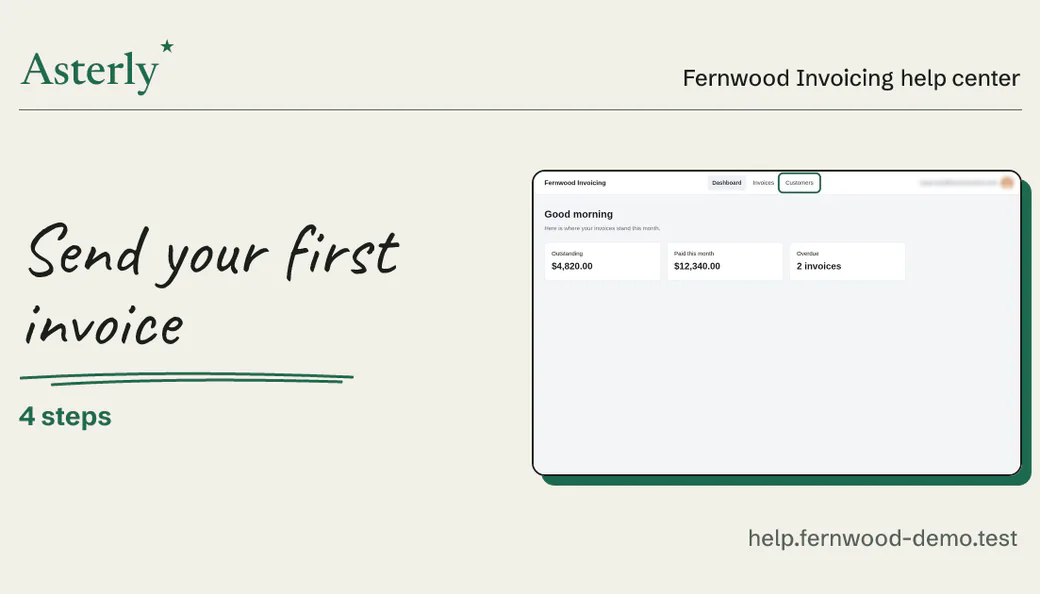
Demo data Link previews
Where link previews show up, like chat and community posts, the guide appears as a card with its title and a screenshot.
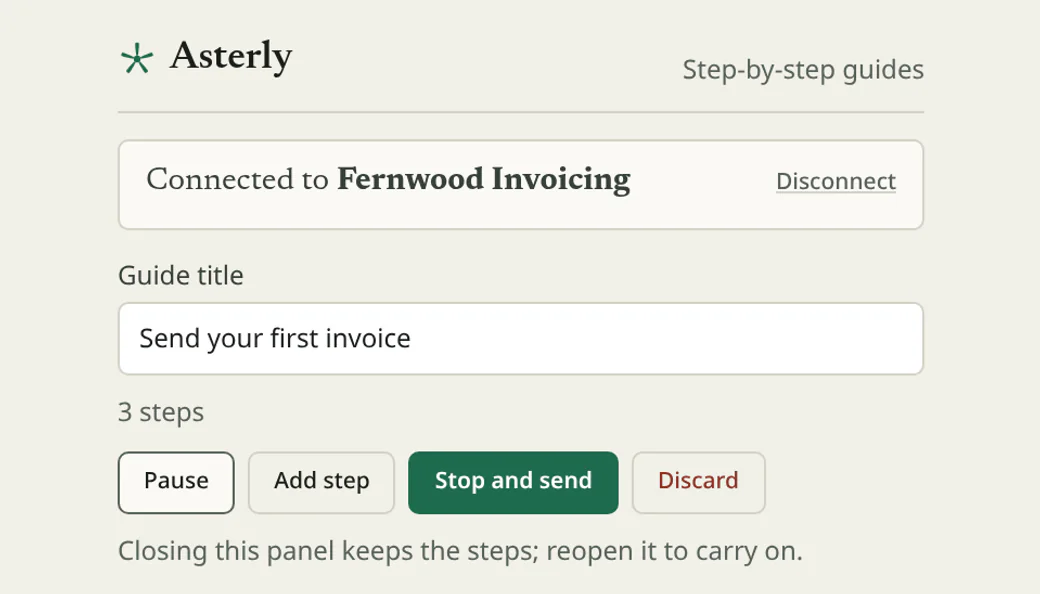
Demo data Recorder
Click through setup from the Chrome side panel, the way a new user would. Stop when the account is ready.
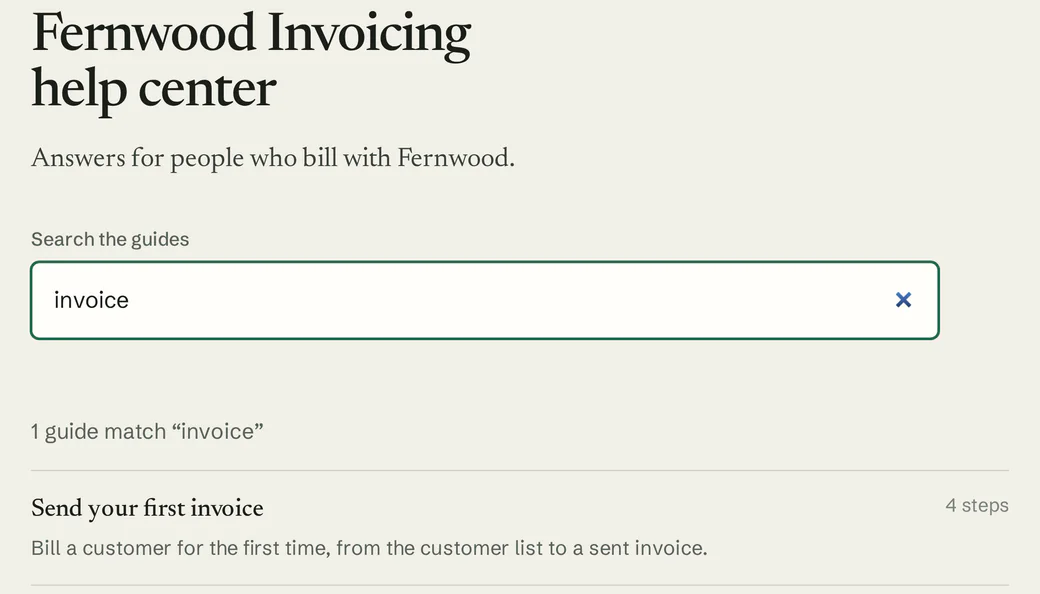
Demo data Help center
Keep every setup guide in a hosted help center with search, on your own domain if you like.
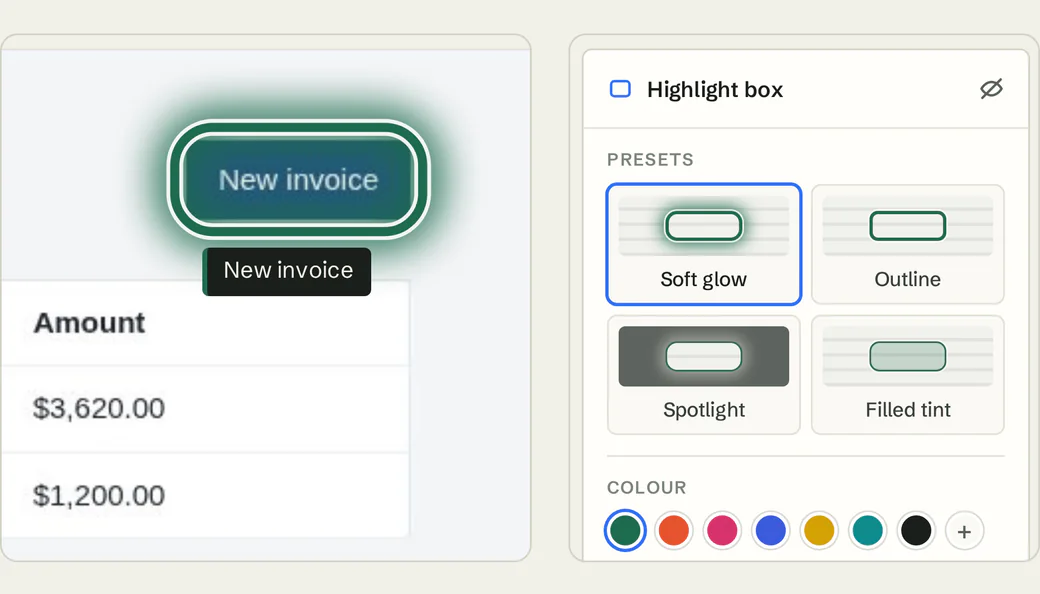
Demo data Editor
Rewrite steps in plain words and highlight the exact field a new user should fill in.
What you’d record
A guide for the screen where they stop.
For your setup flow, you’d record something like this, the way a new user would click it:
An example, written out. Not recorded, so no screenshots
“Connect your data source”
- Open Settings
- Pick the data source
- Approve access
- Check that your data shows up
We haven’t recorded that one. Here’s a guide we did make with Asterly, for a pretend invoicing app: four steps, each with its screenshot and the click marked.
Fernwood Invoicing Help center
Send your first invoice
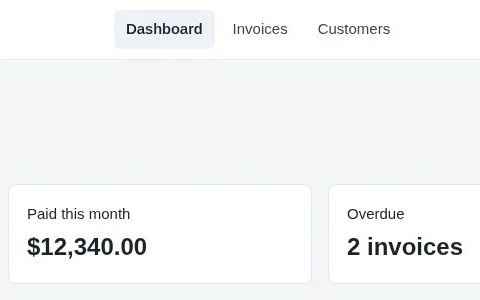
Check who you are billing
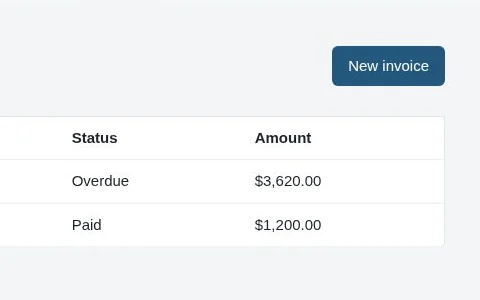
Start a new invoice
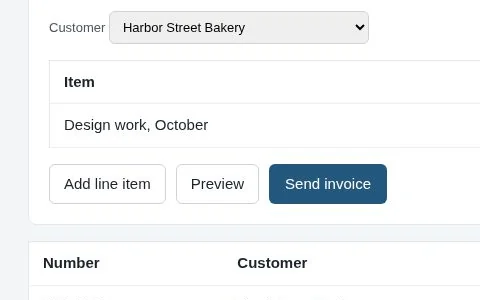
Add what you are billing for
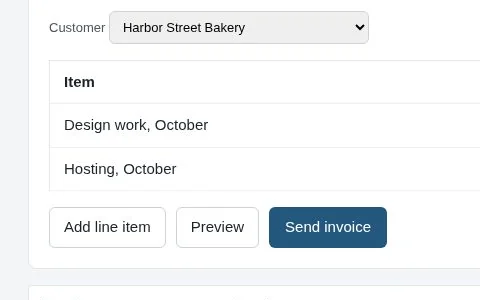
Send it
Demo data Fernwood Invoicing is made up.
Which screen loses people?
Asterly is early. Public access is a waitlist and pricing isn’t set. Leave your email, and tell me which setup step loses people.